🎨 State-of-the-Art Technology
Powered by Black Forest Labs' advanced Flux AI models, our generator delivers superior image quality with remarkable detail and prompt fidelity.
 Flux Image Generator
Turn your ideas into detailed images with Flux AI.
Please wait while the demo prepares.
Flux Image Generator is a cutting-edge text-to-image synthesis tool that transforms textual descriptions into high-quality images. Built on Black Forest Labs' innovative Flux AI technology, it excels at creating detailed visuals with exceptional prompt adherence.
The system leverages a sophisticated transformer-based architecture scaled to 12 billion parameters, enabling precise control over image generation while maintaining high efficiency. This technology ensures outstanding visual quality and consistency across various artistic styles.
As a powerful creative tool, Flux Image Generator is ideal for artists, designers, content creators, and businesses seeking to generate professional-grade visuals without requiring technical expertise or extensive resources.
Experience intuitive image creation with our streamlined interface:
Write a detailed description of your desired image. Include specific details about style, composition, lighting, and mood to guide the AI's interpretation.
Select your preferred model variant, aspect ratio, and number of outputs to customize the generation process according to your requirements.
Initiate the generation process and let our advanced AI algorithms transform your text prompt into stunning visual compositions.
Review your generated images and download them in high-quality format for your projects and creative endeavors.
Flux Image Generator offers unparalleled capabilities in AI image creation. Here's why creators worldwide choose our platform:
Powered by Black Forest Labs' advanced Flux AI models, our generator delivers superior image quality with remarkable detail and prompt fidelity.
Generate high-resolution images up to 4 megapixels with Ultra mode while maintaining professional-grade quality and impressive generation speeds.
Create images in multiple artistic styles from photorealistic to abstract, with specialized modes like Raw for more authentic, natural-looking photography.
Produce professional visuals for presentations, websites, marketing materials, and creative projects. Save on stock photography costs with custom visuals tailored to your exact specifications.
A series is easier to judge when its images share a deliberate rule. Keep the background color, viewing angle, lighting direction, or amount of empty space consistent while changing the subject. For example, a collection of imagined objects can use the same tabletop and soft side lighting, while an editorial set can repeat a limited palette and a simple central composition.
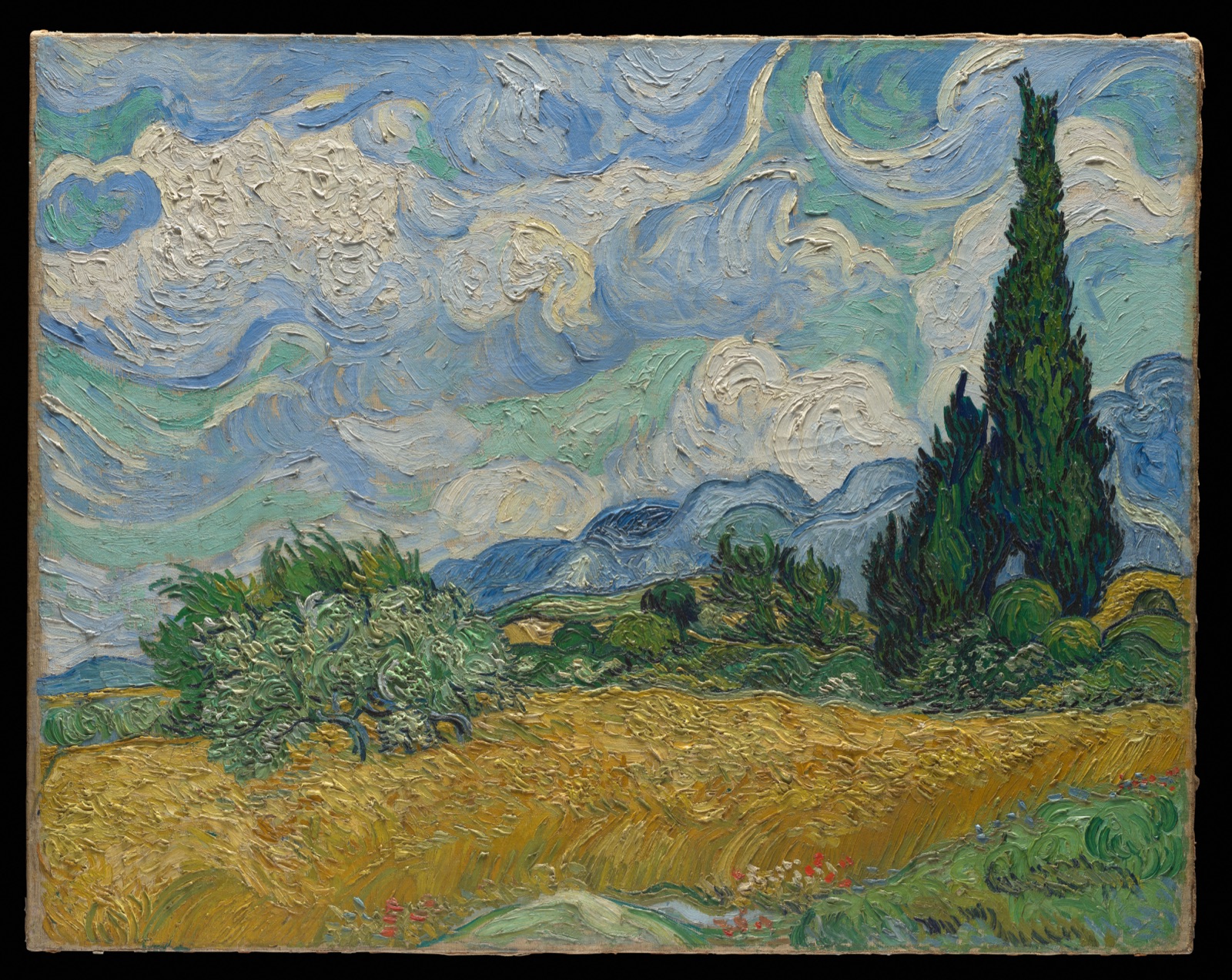
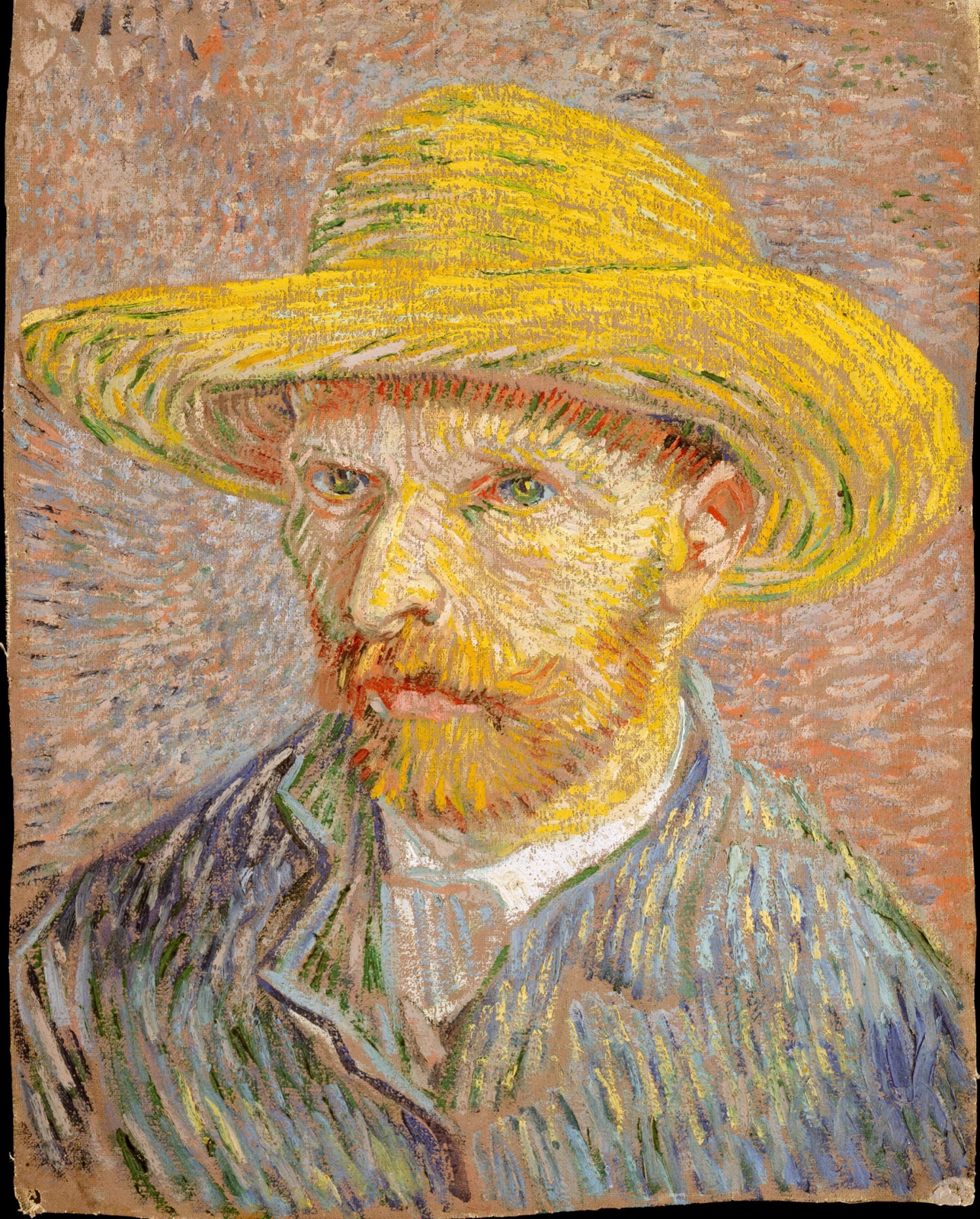
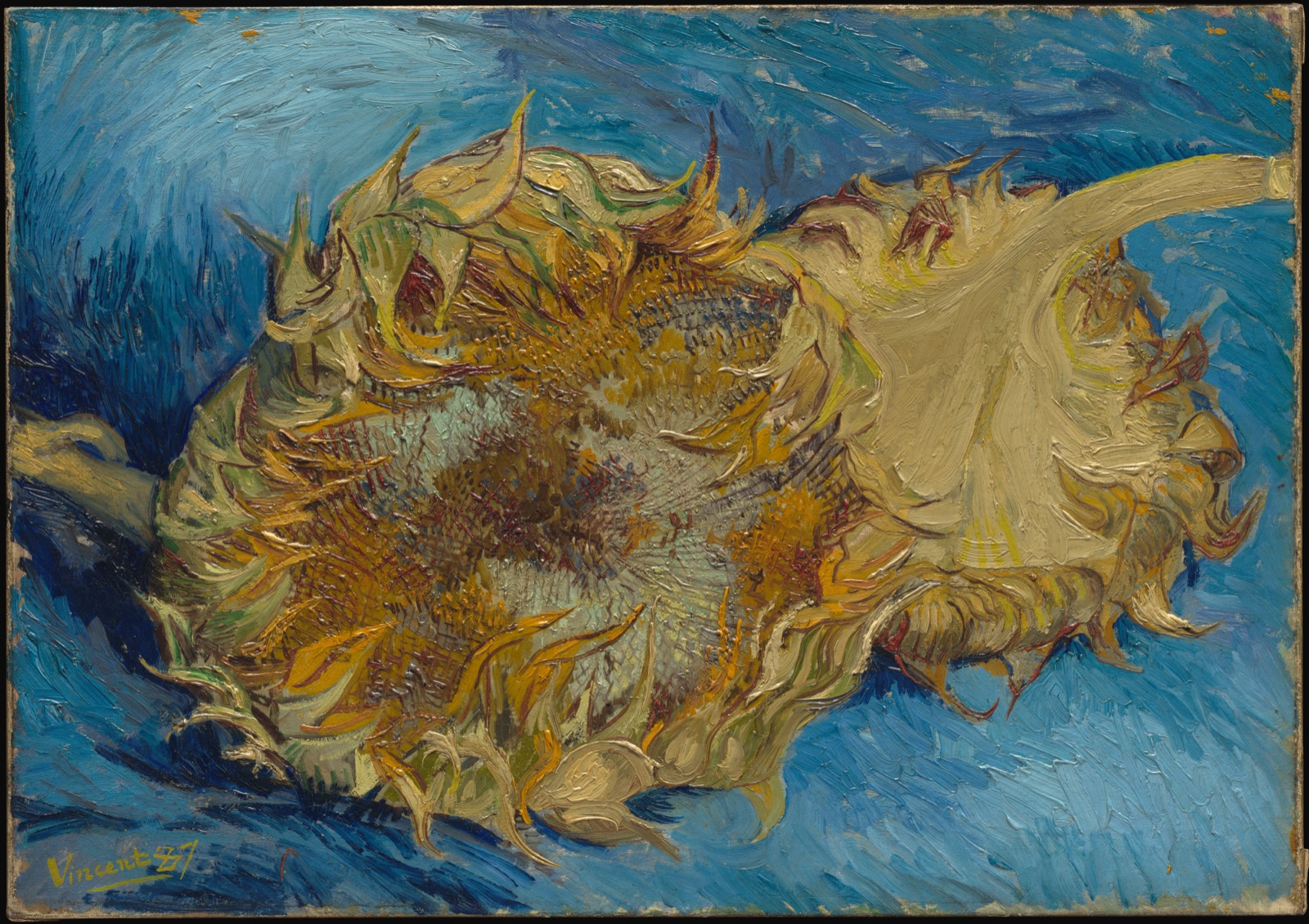
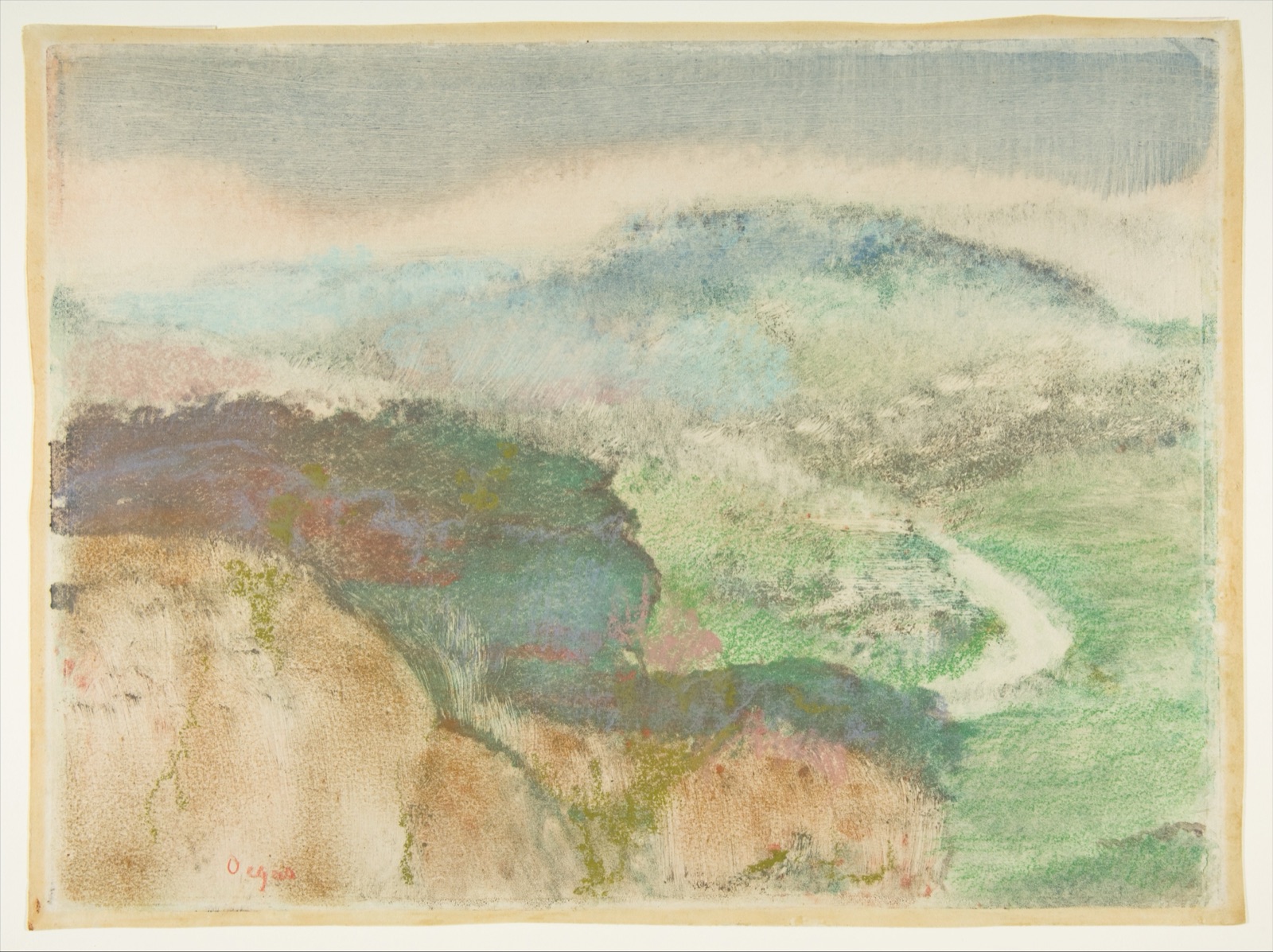
Write the shared rule at the beginning of your working notes, then save the prompt for each individual picture. If one result feels disconnected, compare it with that rule before adding more descriptive words. Treat the public domain art displayed here as credited visual reference material, not as a promise that the generator will produce an identical composition or finish.
Arrange your candidate images together at the size they will be used. Check whether the subject remains recognizable and whether differences in crop or contrast make one image dominate the others. Inspect important details individually as well, especially hands, lettering, object geometry, and repeating textures. A small inconsistency may be acceptable in an early concept but distracting in a finished campaign.
Keep a short note explaining why each selected image belongs in the set. This helps when you return to create another variation or hand the project to a colleague. Add exact typography and final layout elements in your design workflow, and preview the exported result once more. Before generating a larger batch, check the linked service's available options and current usage conditions so the creative plan matches the tool you will actually use.
Join thousands of creators already using our platform to transform text into stunning visuals. No technical skills required - just your imagination and creative vision.
Find answers to common questions about using our platform and maximizing its capabilities for your creative projects.
Flux Image Generator uses advanced transformer-based flow models from Black Forest Labs to interpret your text descriptions and generate corresponding images. The system processes your prompt through a sophisticated neural network that has been trained on diverse visual data.
Detailed, specific prompts that describe style, composition, lighting, and subject matter yield the best results. The more information you provide about your desired image, the more accurately the AI can interpret your vision.
Yes! Paid users can utilize generated images for commercial purposes without restrictions. Our platform creates professional-quality visuals suitable for business presentations, marketing materials, web content, and more.
Generation time varies based on model selection and parameters, but generally takes between a few seconds to around 10 seconds per image, even for high-resolution outputs using Ultra mode.
Flux Image Generator offers multiple model variants, aspect ratio controls, output count selection, and specialized modes like Ultra for high-resolution images and Raw for more naturalistic photographic styles.
You can refine your prompt with more specific details or try different model parameters to achieve your desired result. Our support team is also available to assist with any challenges you encounter.
Flux Image Generator produces high-quality PNG and JPEG images that can be downloaded and used in your preferred design software or publishing platforms.
While our platform excels at a wide range of image styles and concepts, extremely abstract or ambiguous prompts may produce varied results. Additionally, all users must adhere to our content policies prohibiting inappropriate or harmful content generation.